Your architecture stays put
Wall positions, ceiling height, room proportions and the shape, size and placement of every window and door are preserved.
Pinterior · AI interior design app
See how the Pinterior app transforms real homes into spaces worth saving. Photograph the room you already have, pick a style, and get a photorealistic redesign back in about a minute — same walls, same windows, same light.

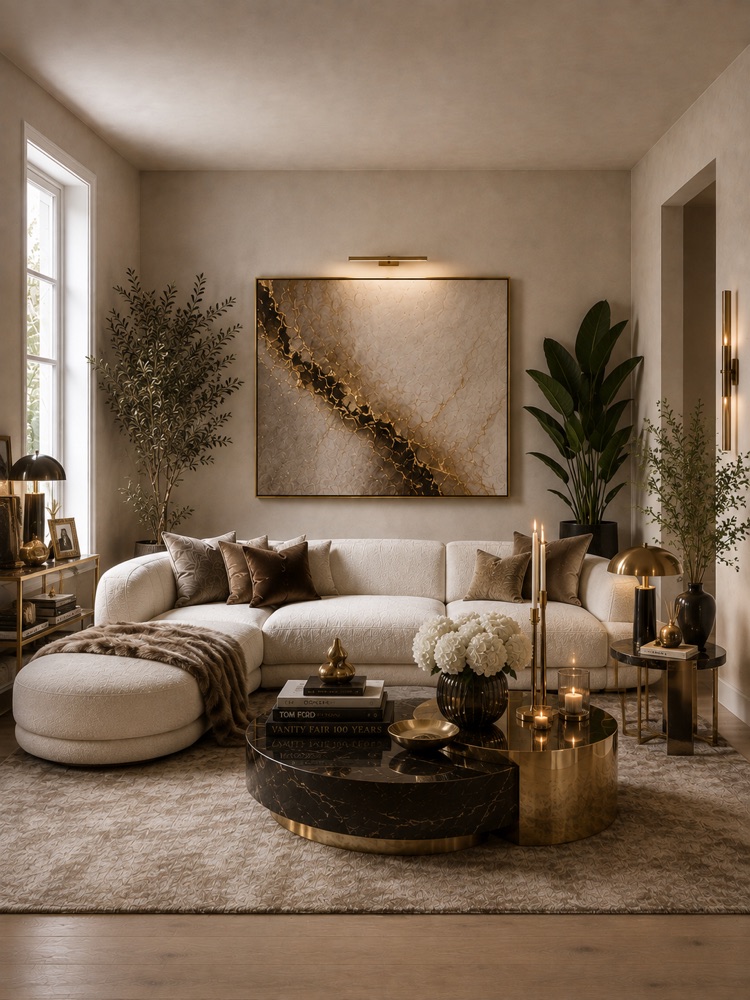
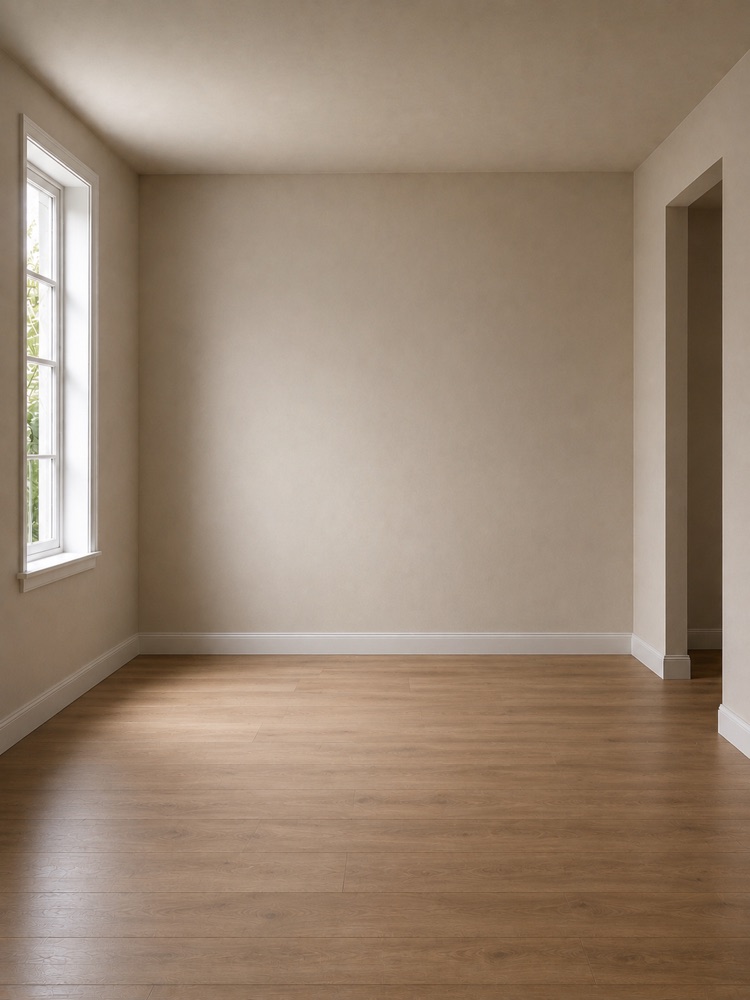
Why it looks real
Most image generators hand you a beautiful interior that has nothing to do with yours. Pinterior is built around the opposite constraint.
Wall positions, ceiling height, room proportions and the shape, size and placement of every window and door are preserved.
Camera position, lens perspective and framing are kept, along with the direction the daylight comes from. Before and after line up.
Furniture, finishes, wall and floor treatments, textiles, lighting fixtures and decor. Everything else is left exactly as you shot it.
Natural materials, believable light and shadow, straight architectural lines. The result should read as a photograph, not as a 3D scene.
How it works
No measuring, no floor plan, no design software. A phone camera and a room you would like to look at differently.
01
Shoot the room as it looks now, or pick one you already have. A straight, well-lit shot of the whole room works best — no tape measure, no plan, no equipment.
02
Every style is a full design direction, not a filter: palette, materials, furniture silhouettes, lighting and decor decided together. Or describe the change you want in your own words.
03
A photorealistic image of your own room, restyled. Hold to compare it with the original, keep editing from there, or hand it to a contractor.
Results
Curated styles that belong in a home magazine. Delivered with accuracy and taste.
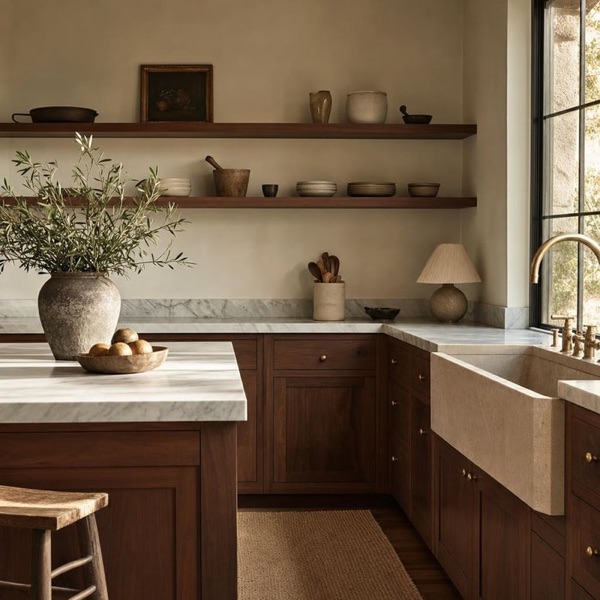
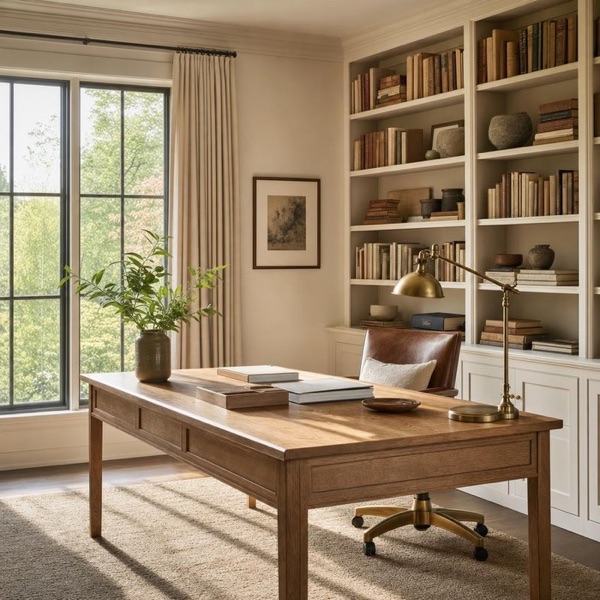
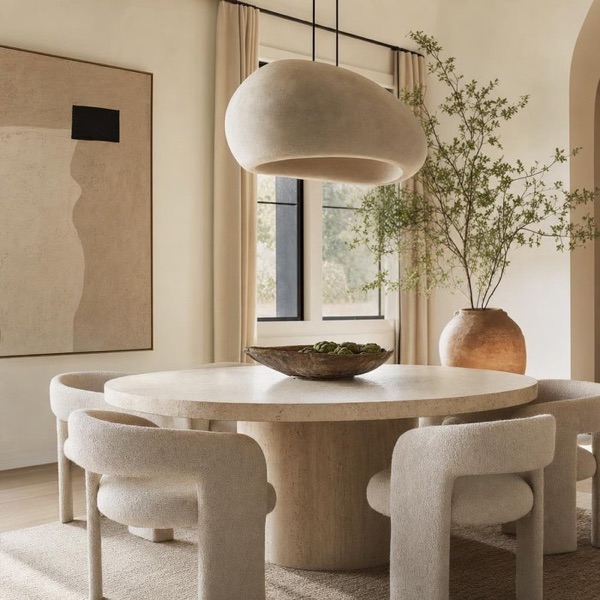
Ask for exactly what you want — “make the walls warm terracotta”, “add more plants and a floor lamp in the corner”.
Written by hand, not scraped. Each one is a coherent design direction rather than a mood filter.
Morning Light, Golden Hour or Night Interior — and your furniture stays exactly where it is.
Living room, bedroom, kitchen, home office, nursery and ten more — the model is told what the room is for.
Each edit becomes a checkpoint. Go back to any step and branch off in another direction.
Standard is fast and reliable for most rooms. Thinking is slower and better with tricky lighting and detail.
Gallery
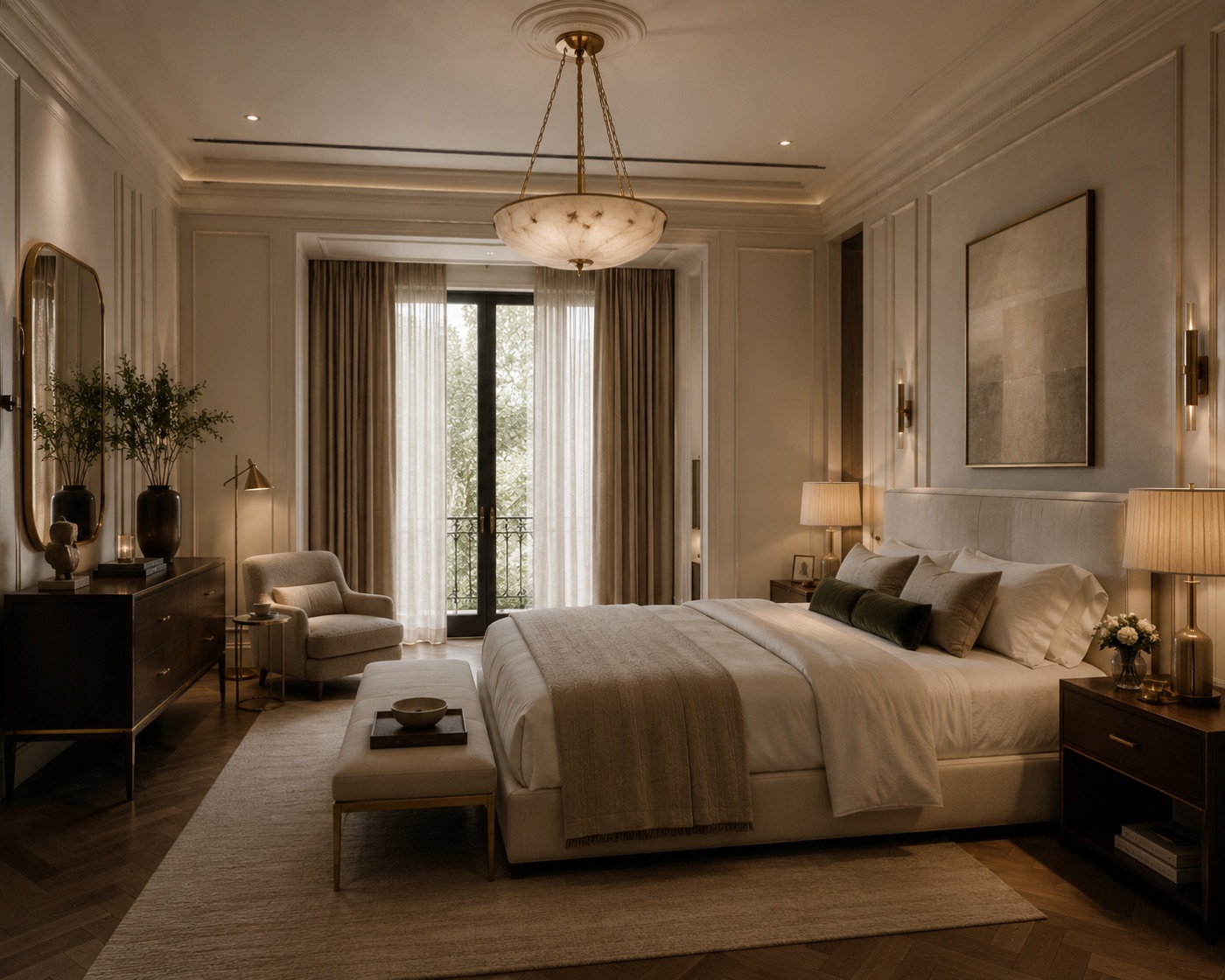
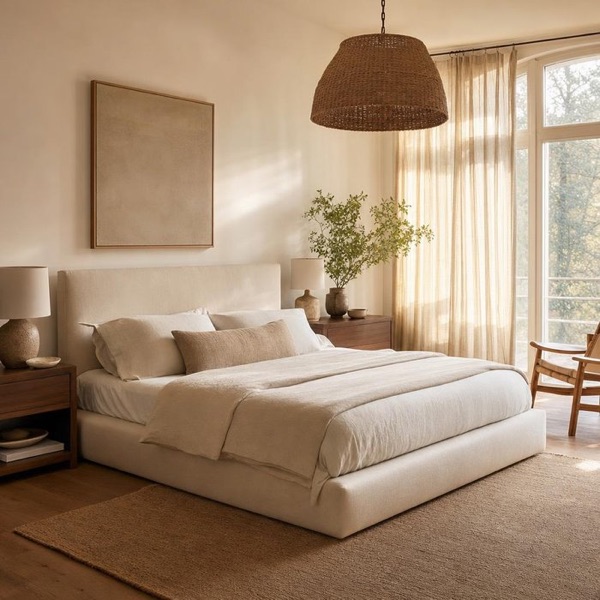
Different homes, different styles, different light — each one built on a photograph somebody took with their phone.
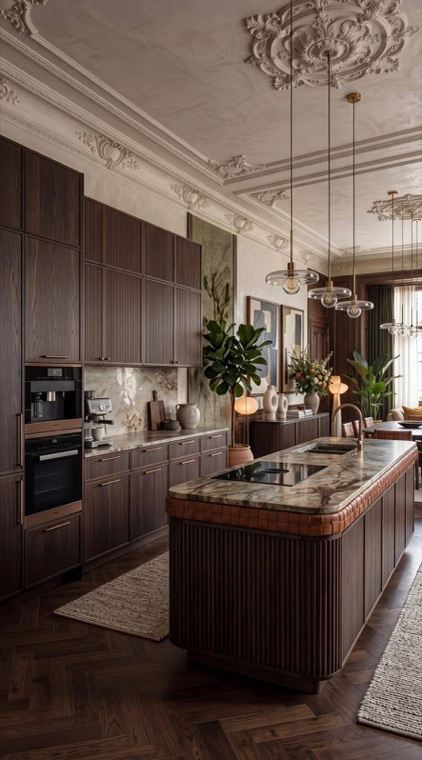
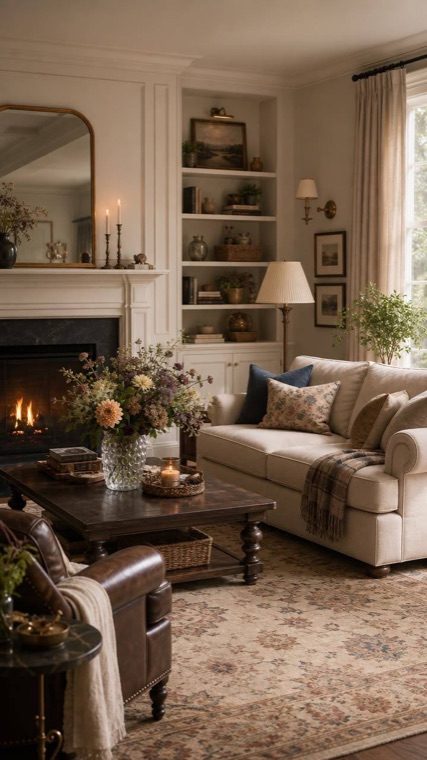
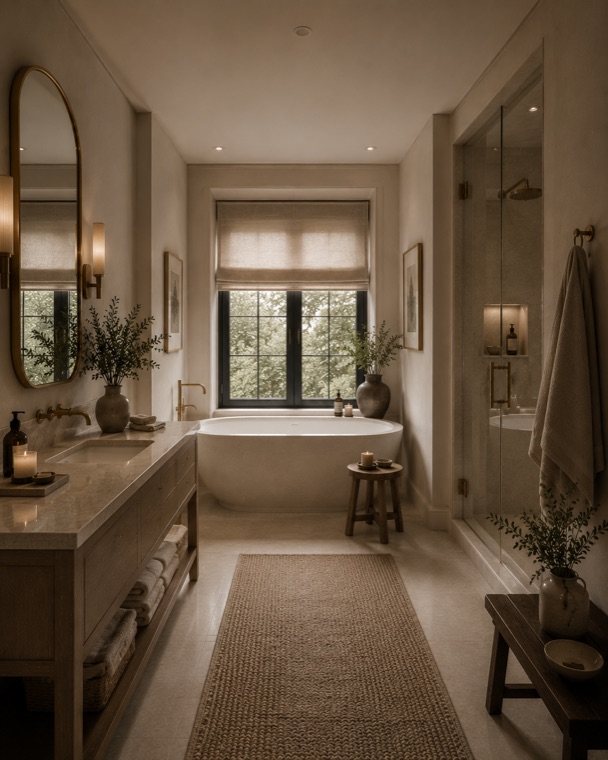
Connect your account and use your own boards to restyle your room. A pin stops being a picture you admire and becomes the brief.
We only read your public boards and pins.
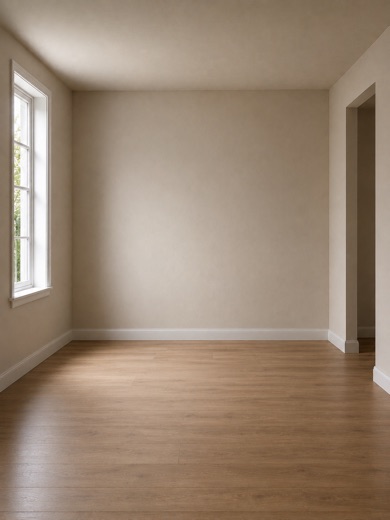
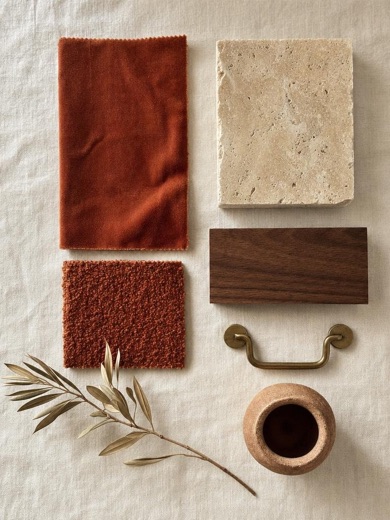
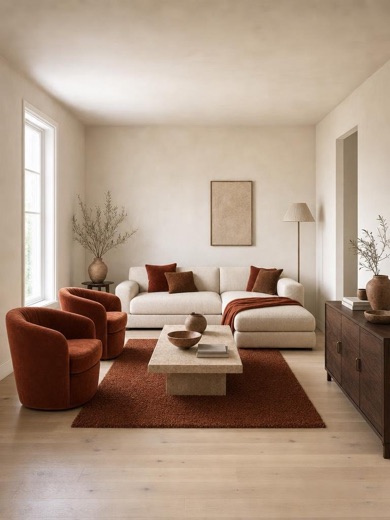
47 styles
Every style is written and tuned by hand, so the result stays coherent instead of collecting a bit of everything. Six of them below.
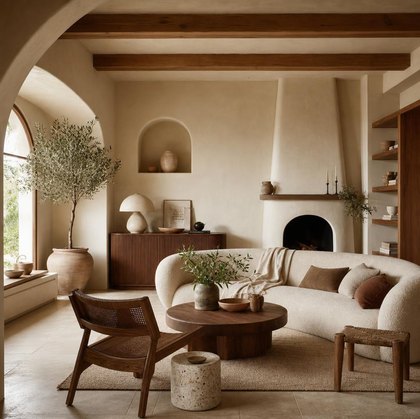
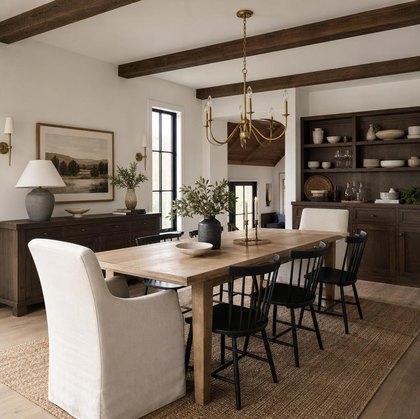
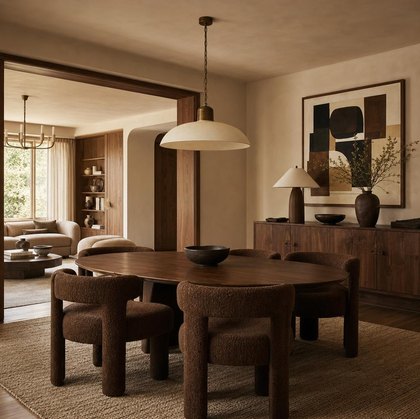
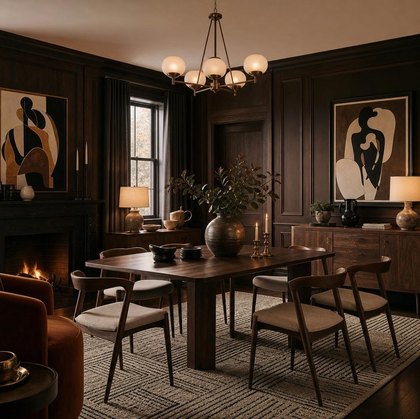
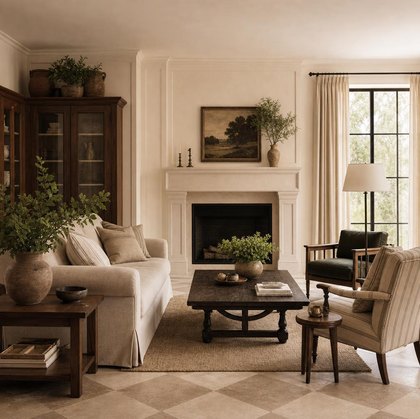
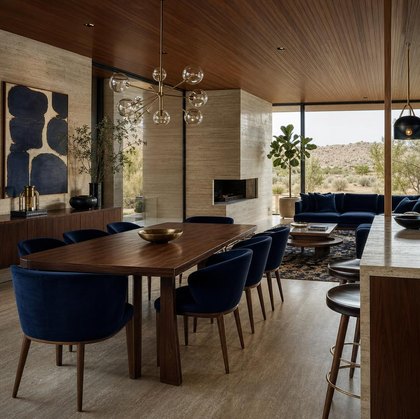
And 41 more inside the app — Parisian Warmth, Soft Japandi, Terracotta Adobe, Organic Modern, Quiet Traditional and the rest of the catalogue.
Private by design
There is no Pinterior account. Nothing to create, no password, no email address, no social login.
Your photo is handled for the length of a single request and is not kept on our side afterwards.
The lasting copy of a photo and of every redesign lives on your device. Details are in the privacy policy.
FAQ
Pinterior is an AI interior design app for iPhone. You photograph a room you already have, choose one of 47 hand-written styles, and the Pinterior app returns a photorealistic redesign of that same room — same walls, same windows, same light — in about a minute.
No. Pinterior is an independent app and is not affiliated with, sponsored by or endorsed by Pinterest. The app can optionally read your public Pinterest boards, so a pin you saved becomes the design brief — that is the only connection.
No. Pinterior has no sign-in at all. You install the app and start redesigning rooms — there is no account to create and none to delete. Connecting Pinterest is optional and separate.
No. A photo is sent for processing and is not retained on our side once the redesign comes back. Both the original and the result live on your device.
Usually under a minute, occasionally a little longer when the service is busy. You will see progress in the app while it works.
Pinterior Premium comes as a weekly or a monthly plan — 600 credits a week or 1,800 a month. A Standard restyle costs 10 credits and a Thinking one costs 25, so a monthly plan is around 180 standard redesigns. Current prices are shown in the app.
Yes. Every edit becomes a checkpoint: change the style, the lighting, apply a pin or ask for something in your own words, and go back to any earlier step whenever you want.
Yes. The images you generate are yours to use, including for client presentations and other commercial work. See the terms of service for the full wording.
No. It is a visual reference — a way to see a direction before committing to it. It is not a construction drawing, not a specification, and not architectural advice. Anything you intend to build should go past a professional first.
Daylight, the whole room in a single frame, the camera held straight and steady, and nobody standing in the shot. Dark, blurry or tightly cropped photos give the model very little to work with.
Restyle any room, in any style, as many times as it takes. The Pinterior app helps you explore ideas quickly, compare styles confidently, and move forward with a clear vision for your space.